| HOW TO DOWNLOAD,SET UP AND USE "YAMAP"app |
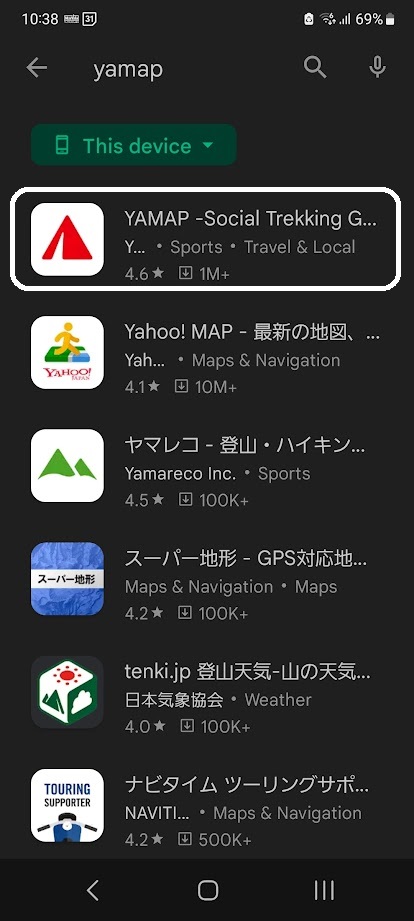
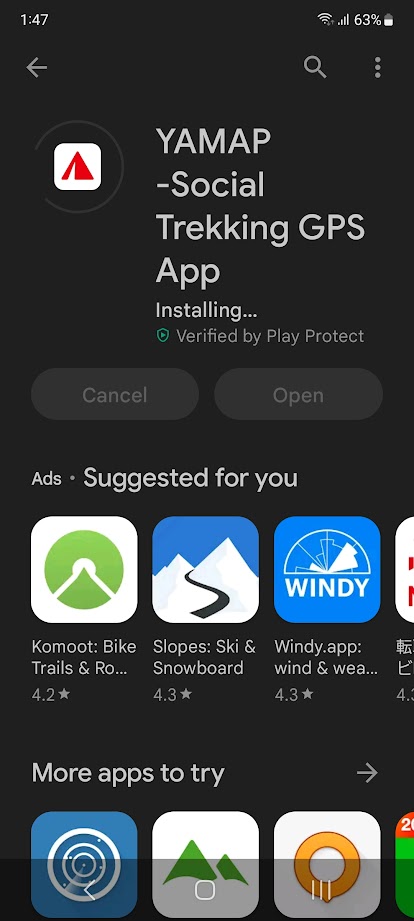
Installing
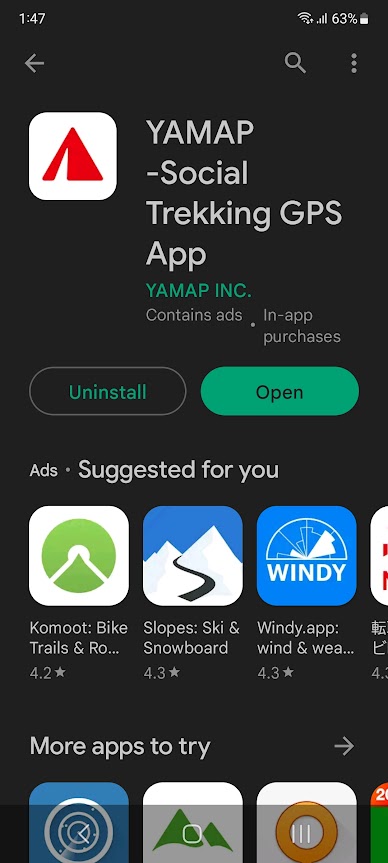
Open
make your account
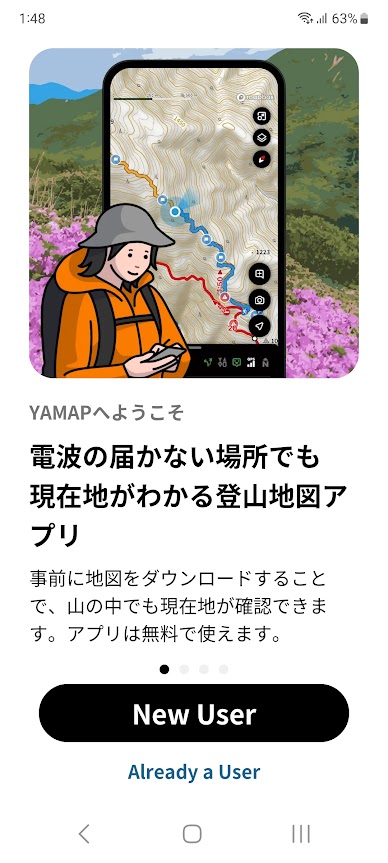
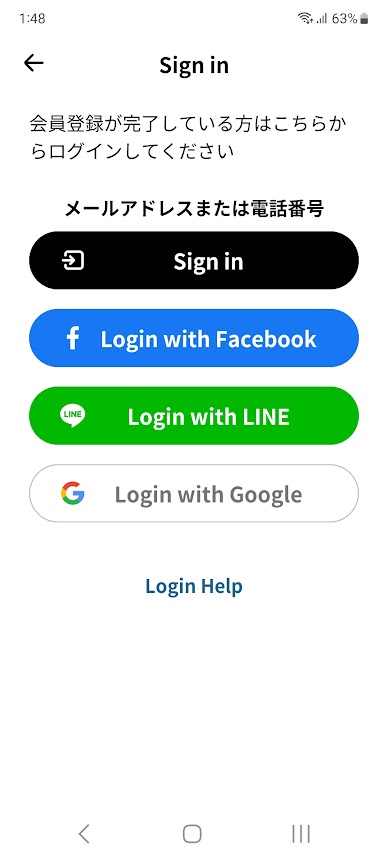
Sign in or Login
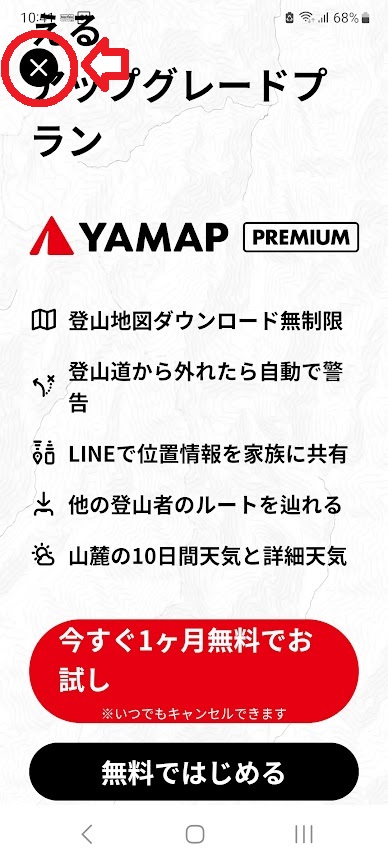
Select X to close window
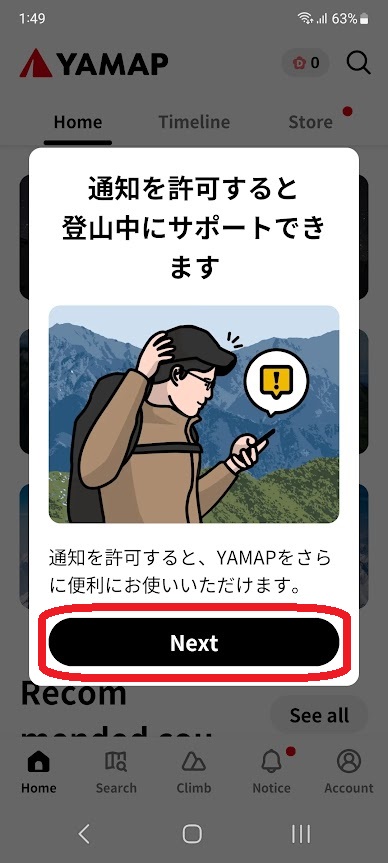
Select Next
"Don't allow"
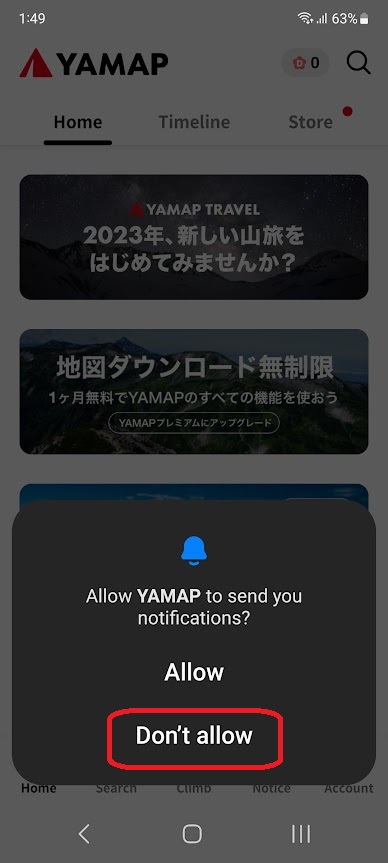
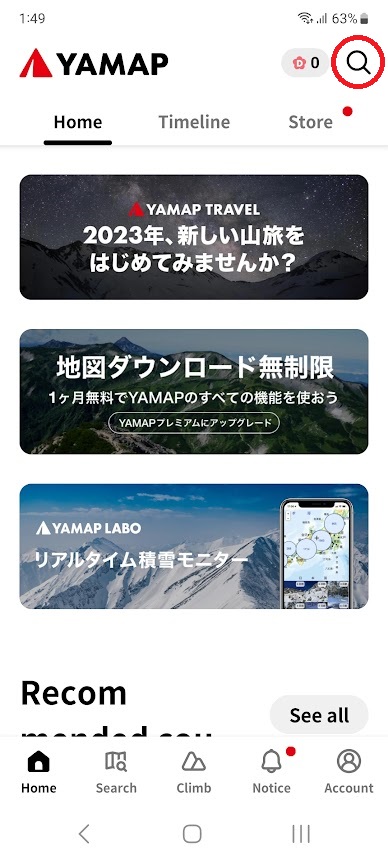
Select "Search" (top right red circle)
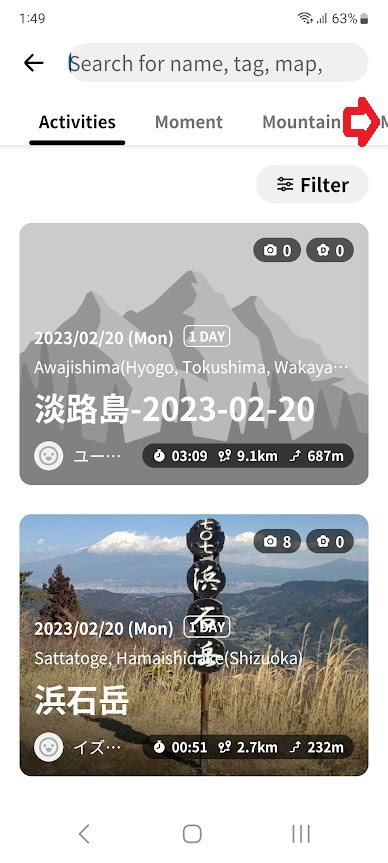
Select the MAP that is not visible on the screen to the right of the red arrow
Copy and paste "遍路" to the search window
Note that in English, even if you paste the Japanese word
"遍路", nothing will be displayed in the search window. However, it is actually pasted and can be searched
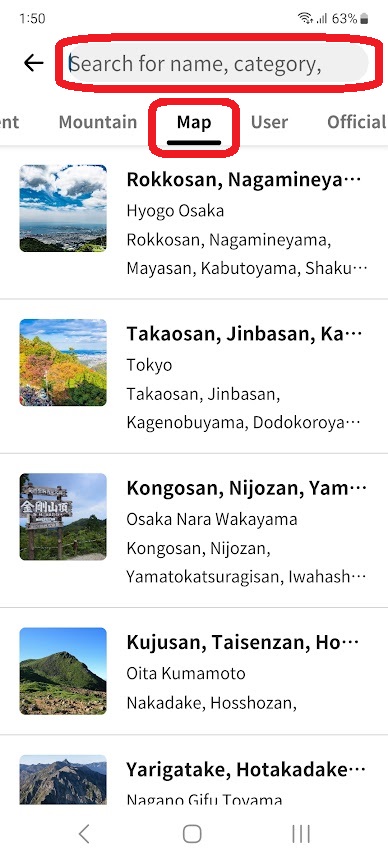
When you search, nothing is displayed in the search window, but search results appear below. There are 21 maps in total.
However, you can download two maps for free, so you need to delete the map you have finished using and download a new one.
For example: Select "Shikokuhenro No.1"
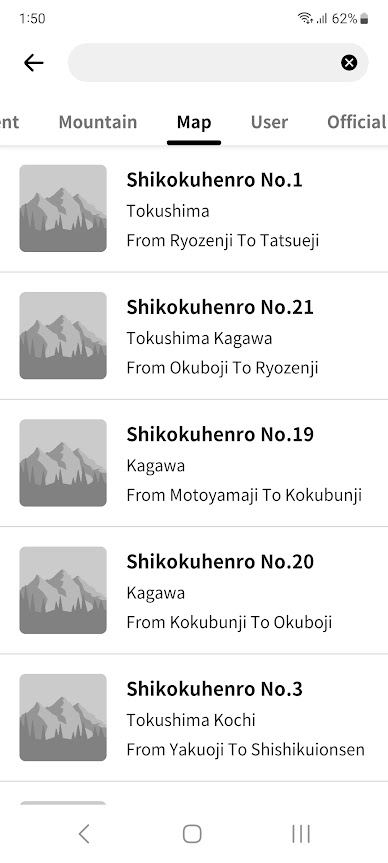
"Shikokuhenro No.1"
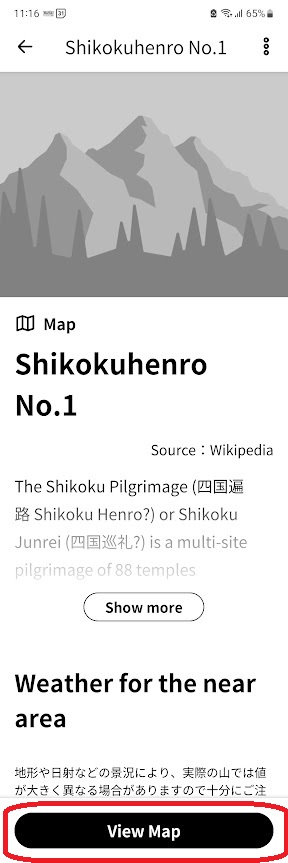
View MAP
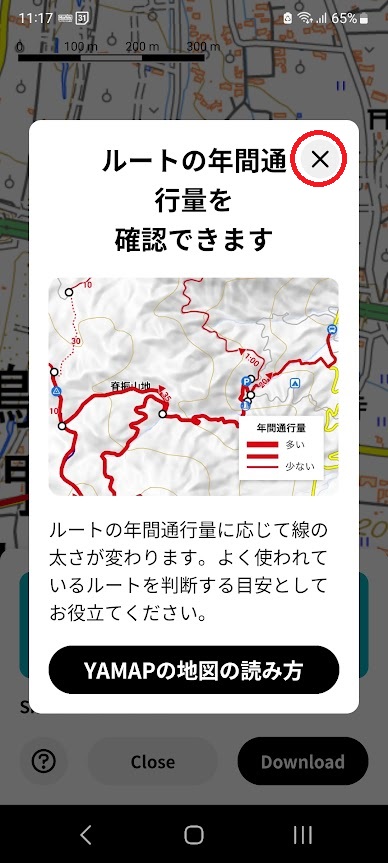
Select X to close window
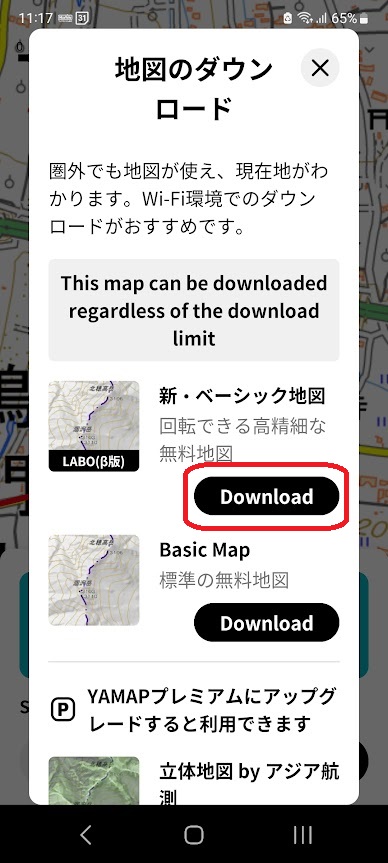
Download MAP
Downloading in a WiFi environment is recommended.
Download in progress 40%
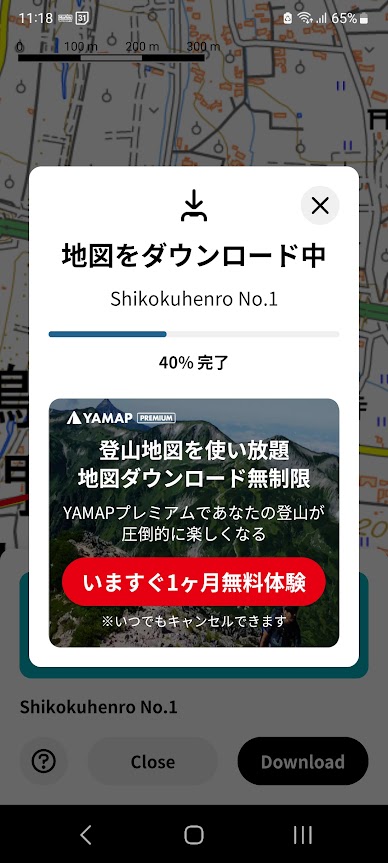
Complete Downloading 100%
Select X to close window
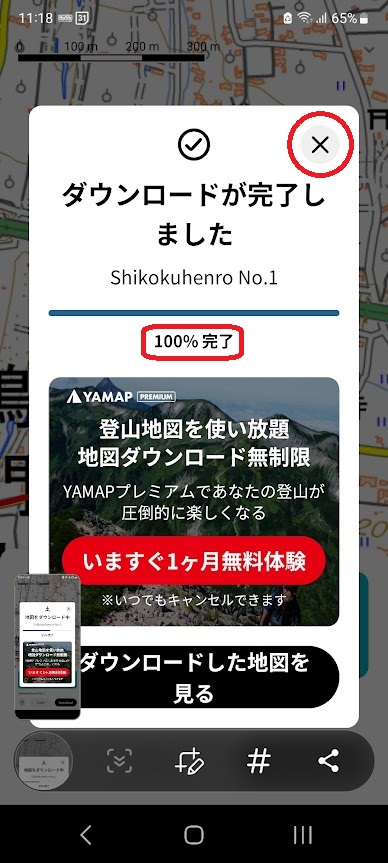
Depending on the location app settings, a fail screen like this will appear.
Select "Open Settings"
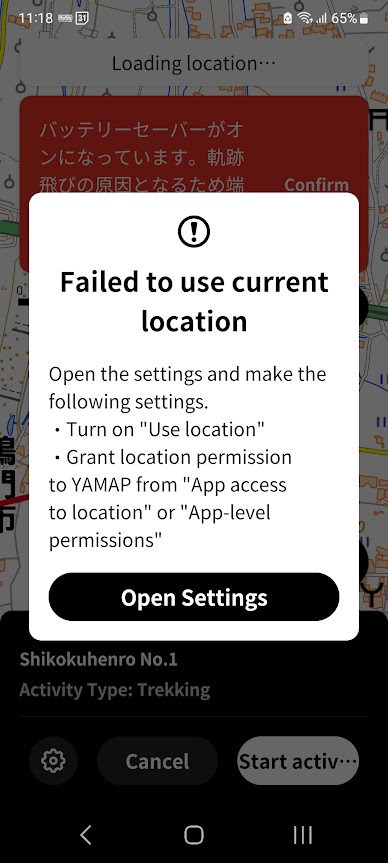
Select "See all”
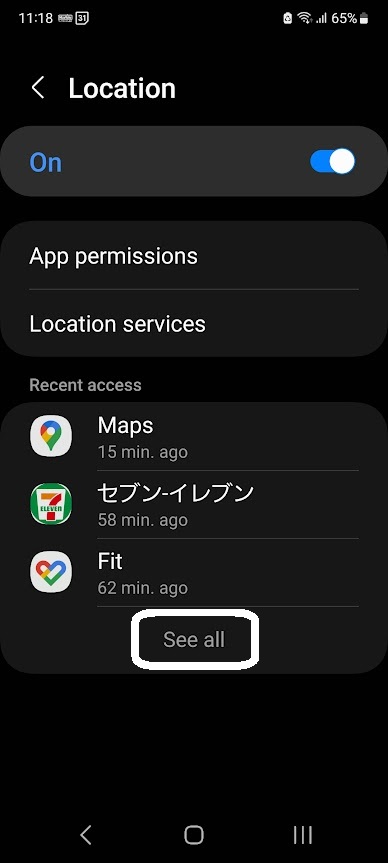
Select and Open "YAMAP"
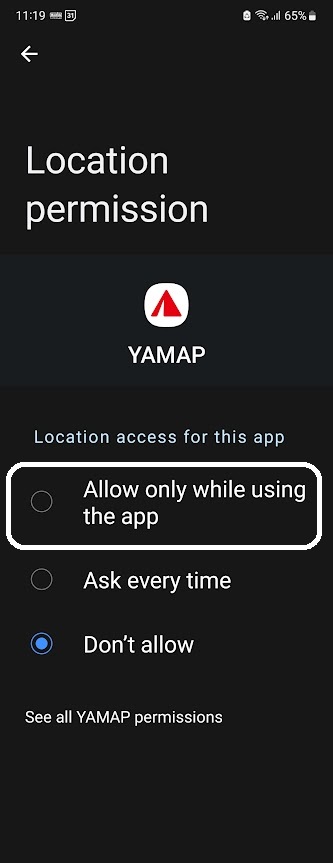
Select ""Allow only while using the app"

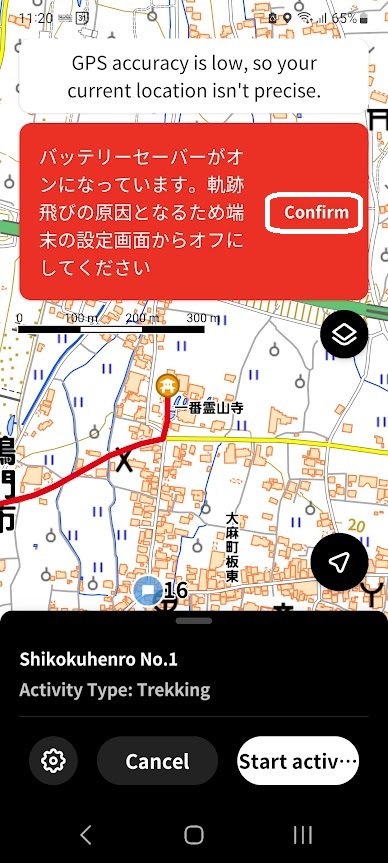
Depending on the Battery app settings, red screen like this will appear.
Press Confirm
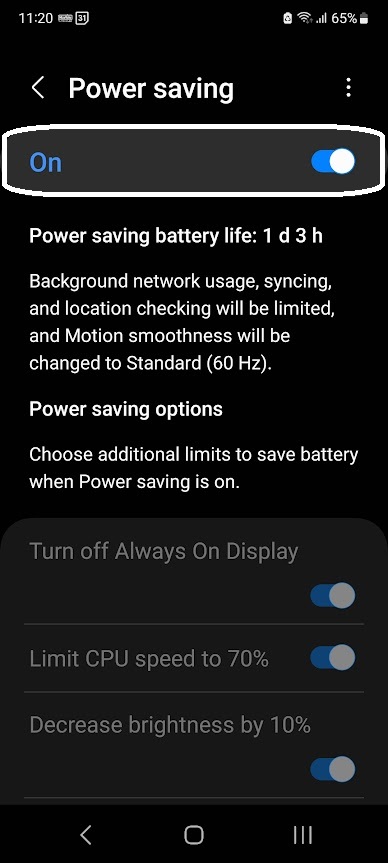
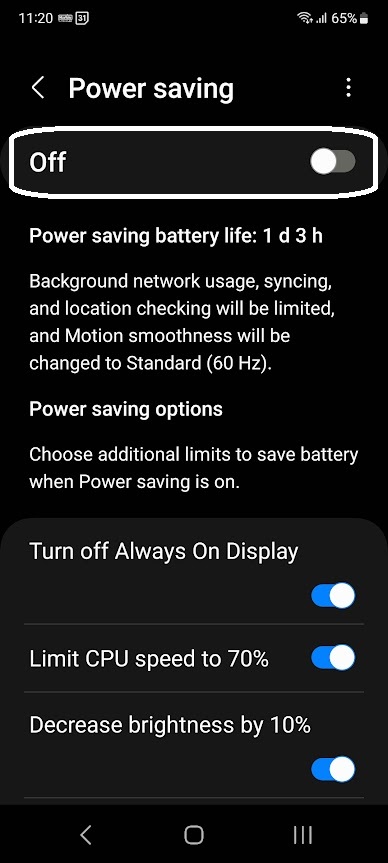
Turn off Power saving
Select "Start activity"
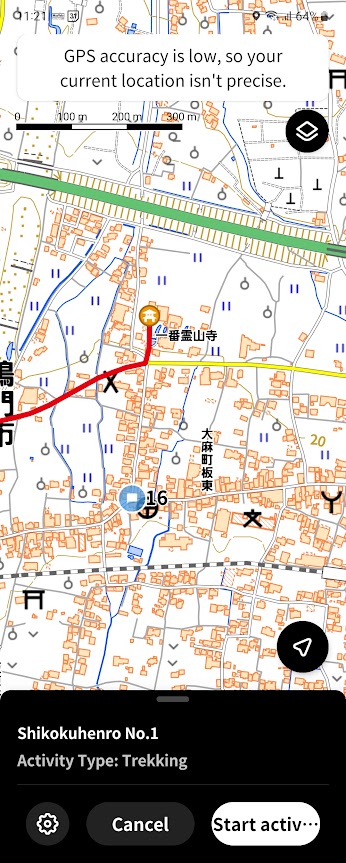
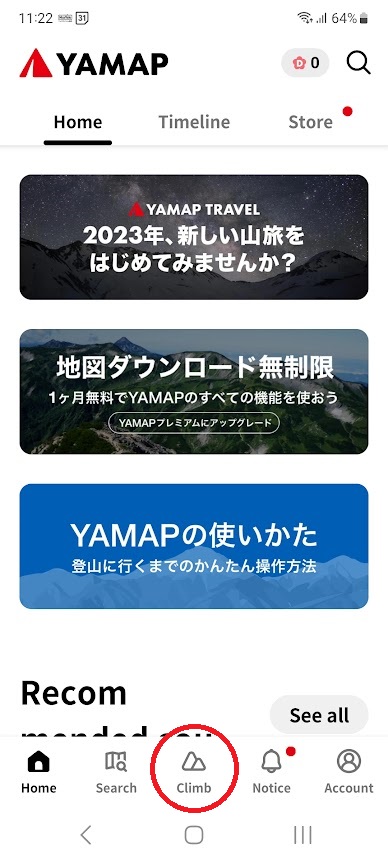
Launch "YAMAP"app
Then select "climb"
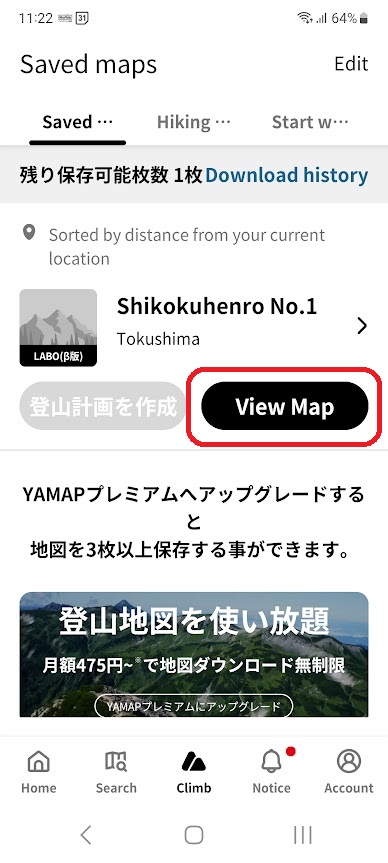
Select "View Map"
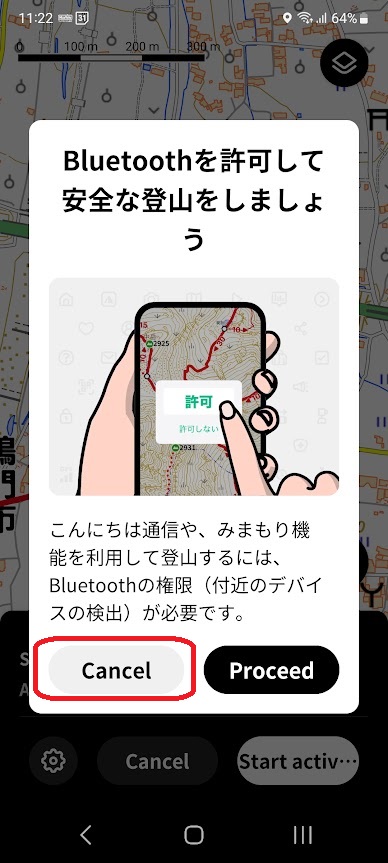
Select "Cancel"
Select "Start activity"
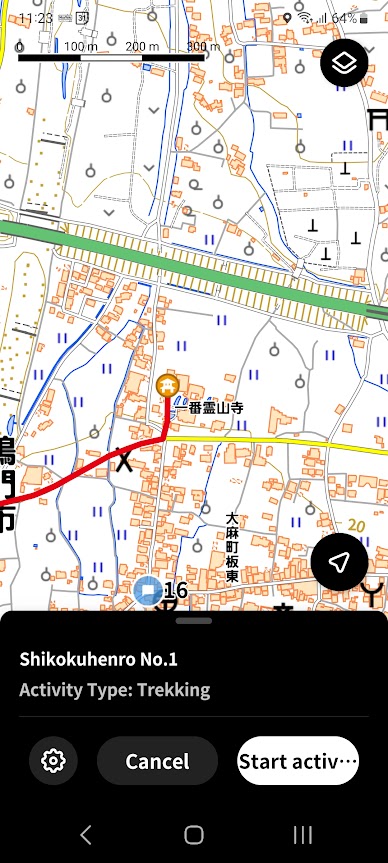
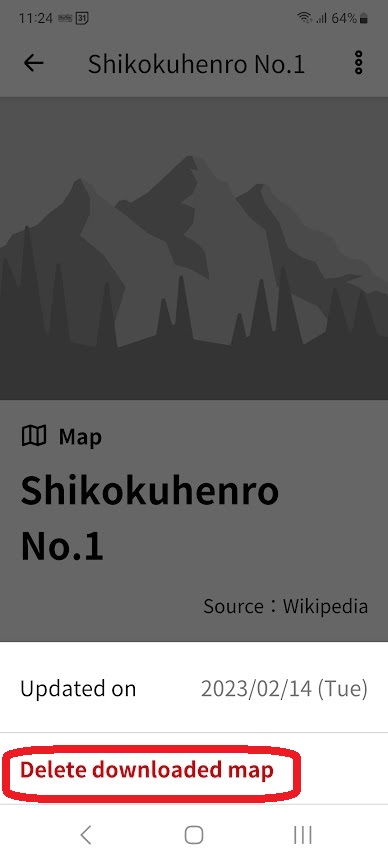
How to delete a map file
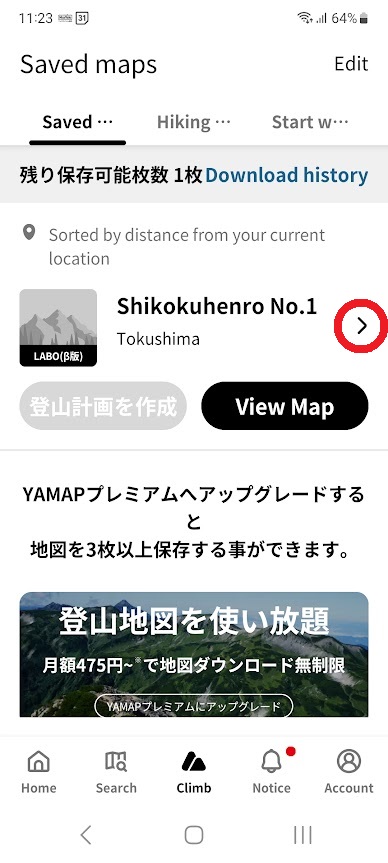
Select the map to delete and select the red circle
Select the 3 dots on the top right
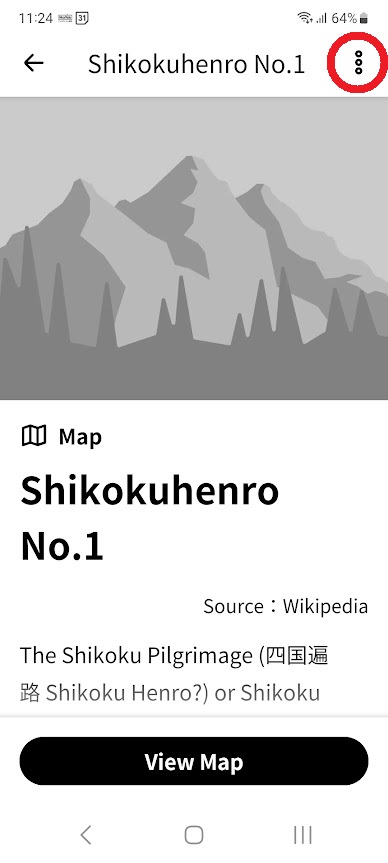
Select "Delete downloaded MAP"